

← Back to all posts
Google Sheets Integration
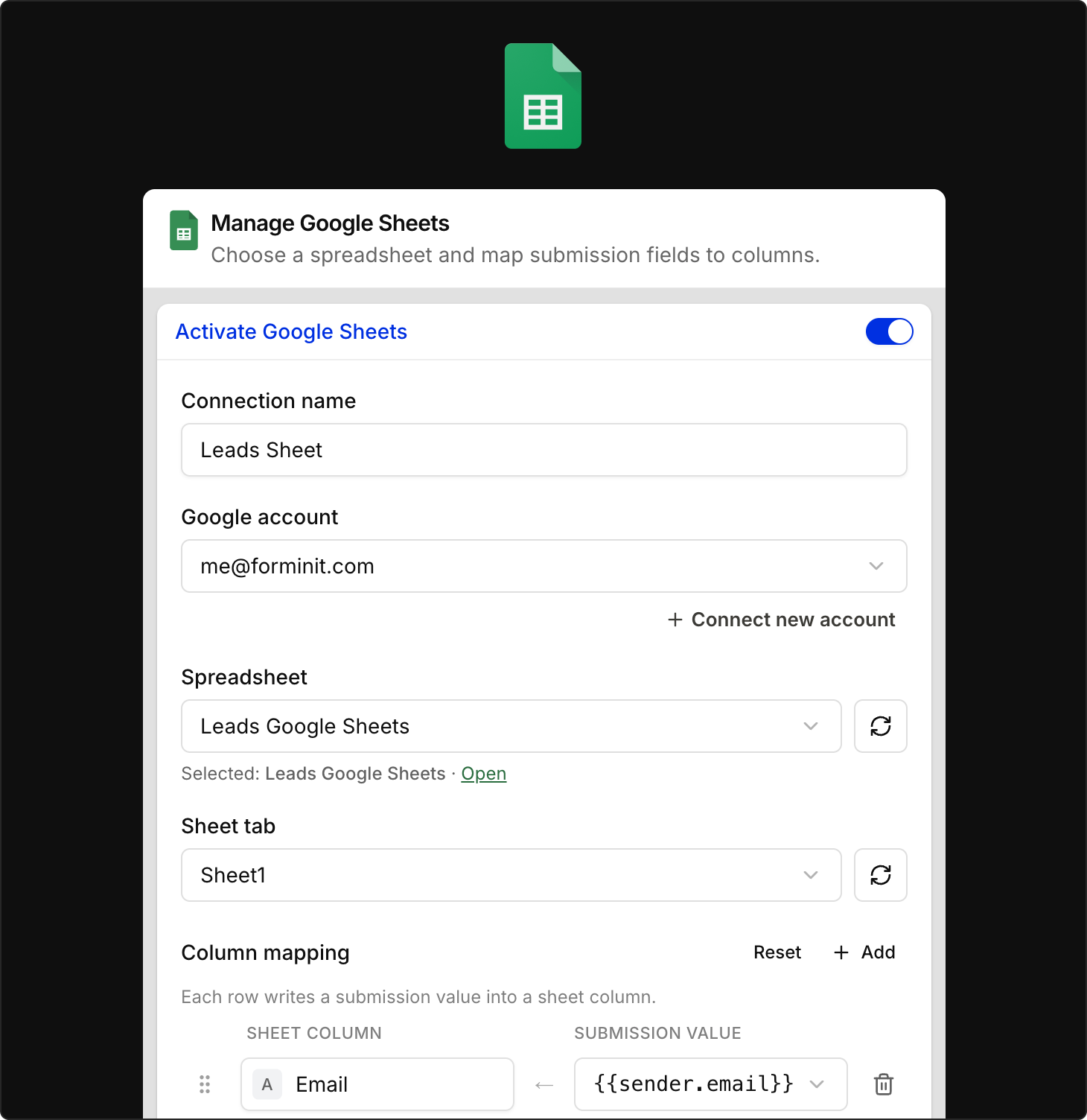
The Google Sheets integration is now available. Every new submission can be written to a spreadsheet you choose, as a new row, automatically.
New
- Connect from the panel: Link your Google account and select or create a spreadsheet and sheet tab, all inside Forminit
- Column mapping: Choose which form fields and metadata go to which columns, rename headers, and reorder freely
- Test row: Send a sample row to verify your mapping before going live
- Workspace accounts: Connected Google accounts are available to every form in your workspace, managed from Account & Settings, Integrations tab
The integration is available on the Pro plan and higher. To set it up, open your form and go to Settings → Actions, then activate Google Sheets. Full setup steps are in the Google Sheets documentation.